

Ask questions about your LinkedIn Company Pages data
Connect LinkedIn Company Pages to Filament and turn your data into instant reports and dashboards. No spreadsheets. No setup. Just ask questions and get answers.
LinkedIn Company Pages shows you post engagement and follower counts, but understanding which content themes drive website traffic, how social presence affects pipeline, or whether LinkedIn activity correlates with customer conversions requires connecting to your analytics and CRM. Filament links LinkedIn Company Pages data to your business intelligence tools and answers questions about content performance, audience quality, and social ROI in plain English.
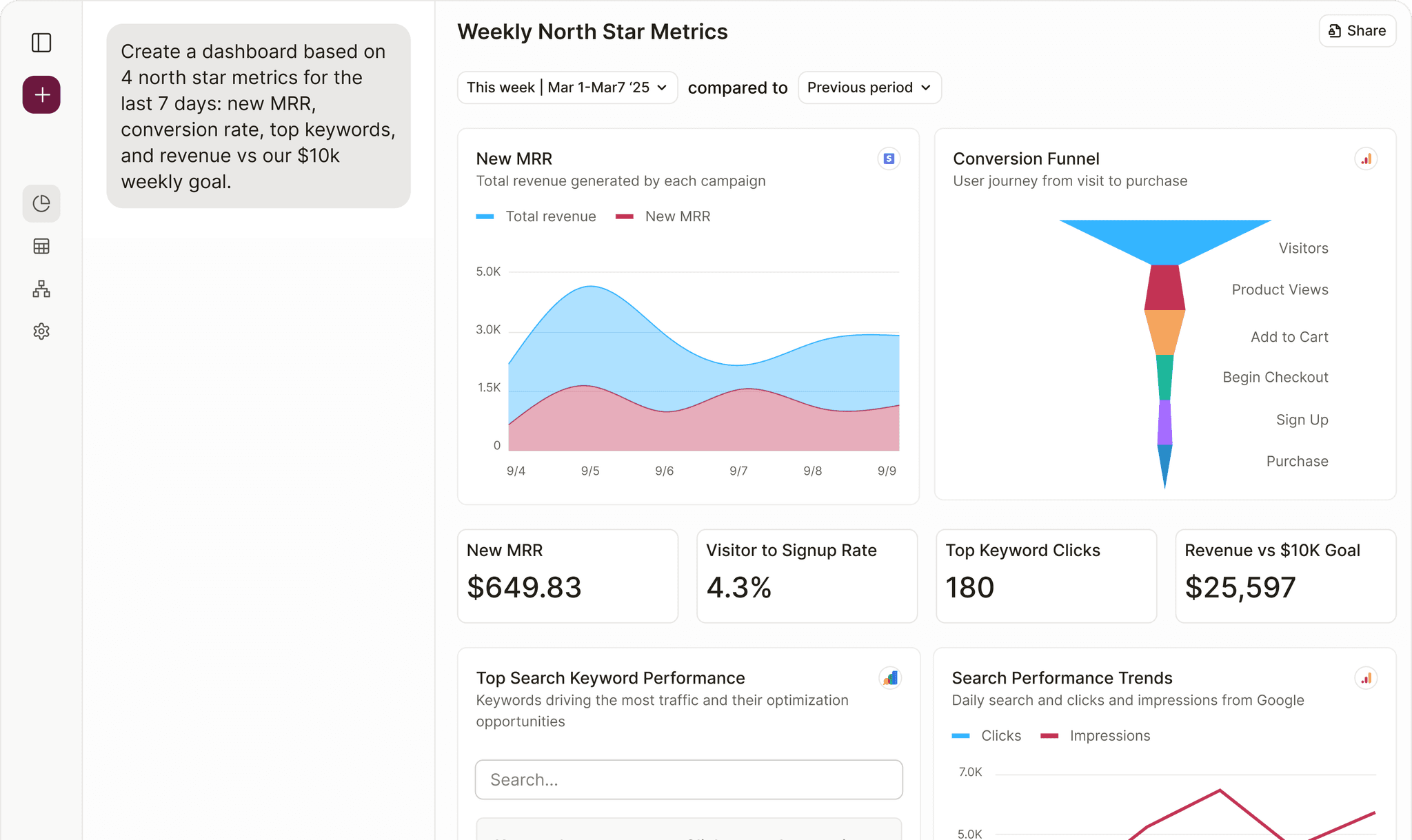
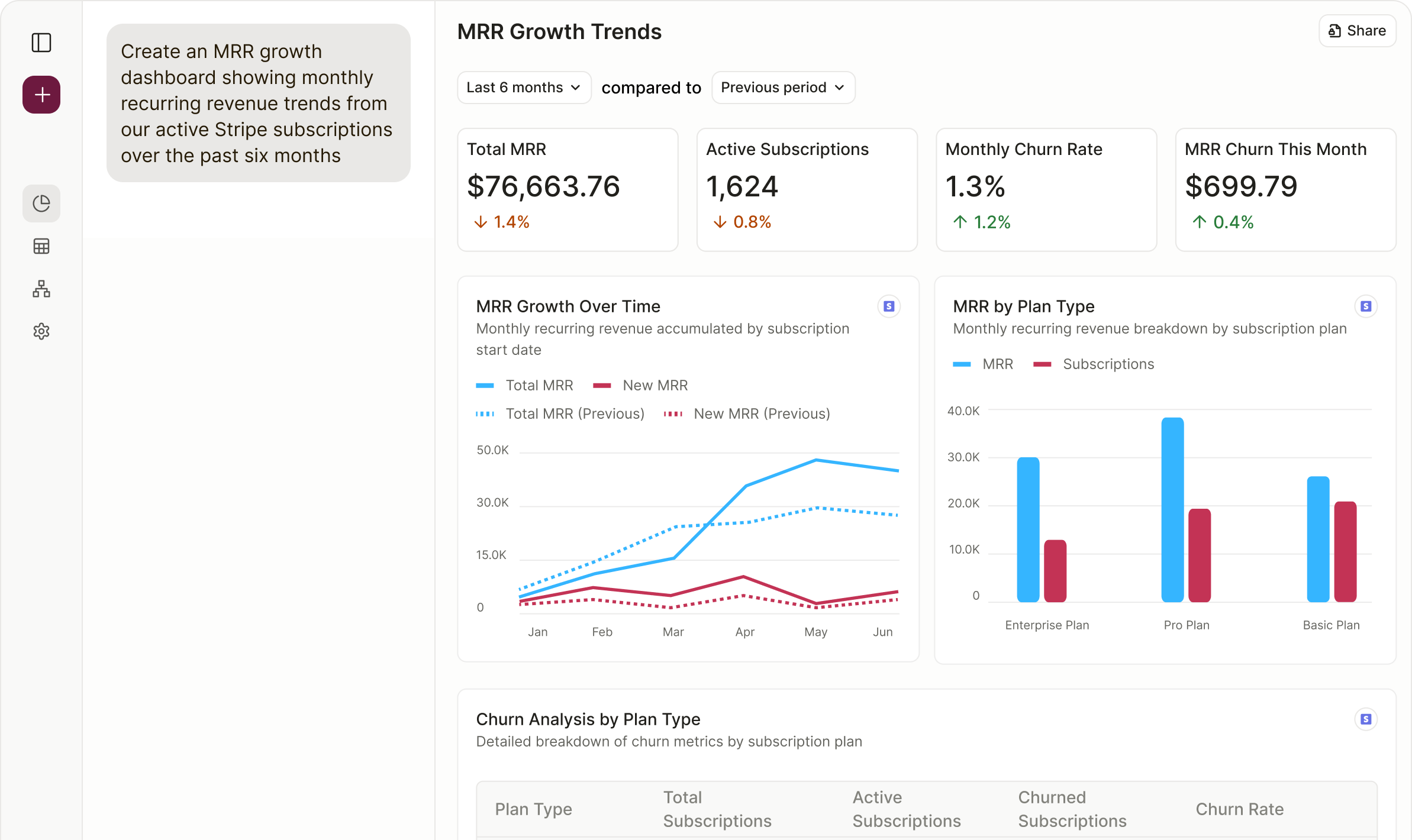
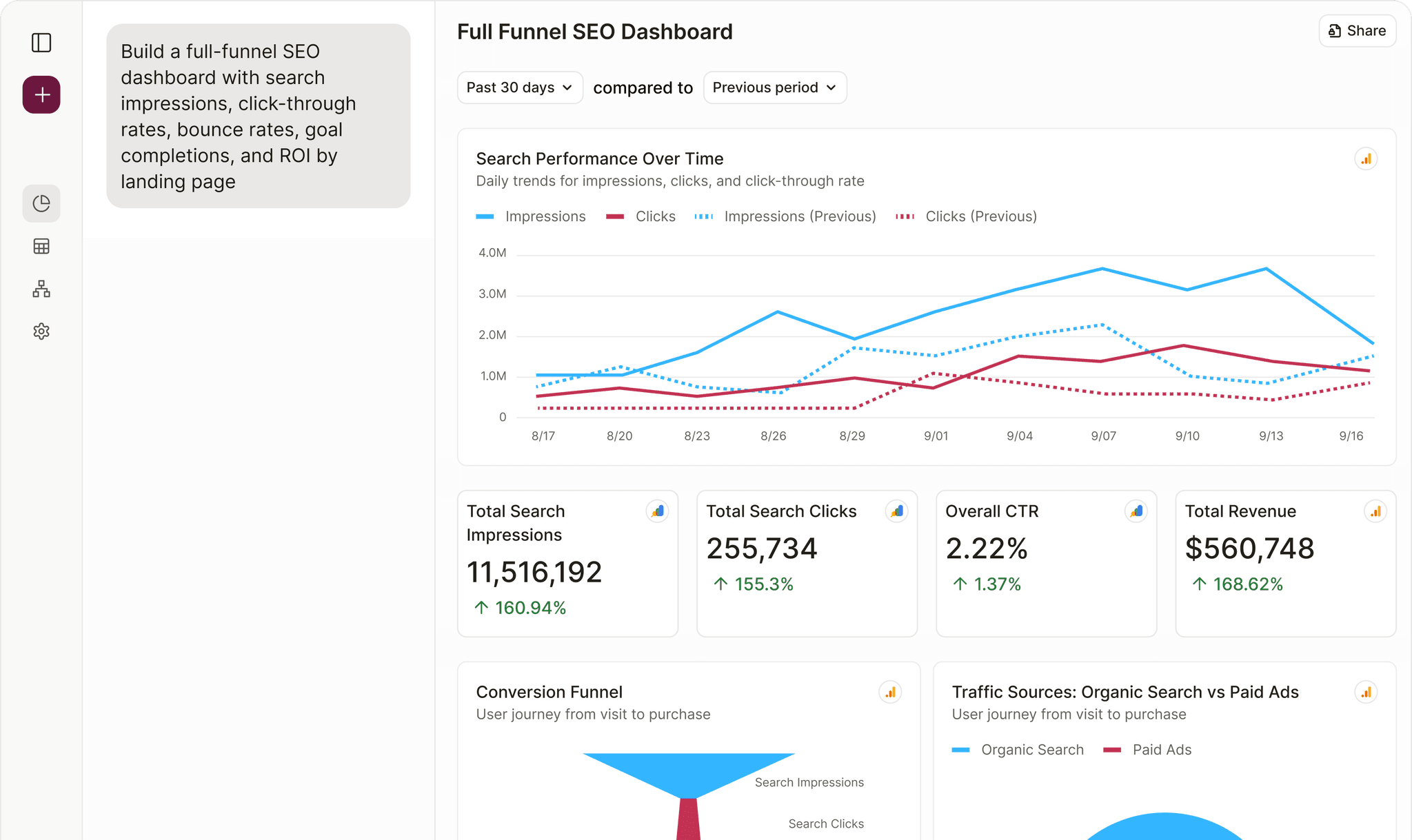
Track LinkedIn Company Pages KPIs with Filament Analytics
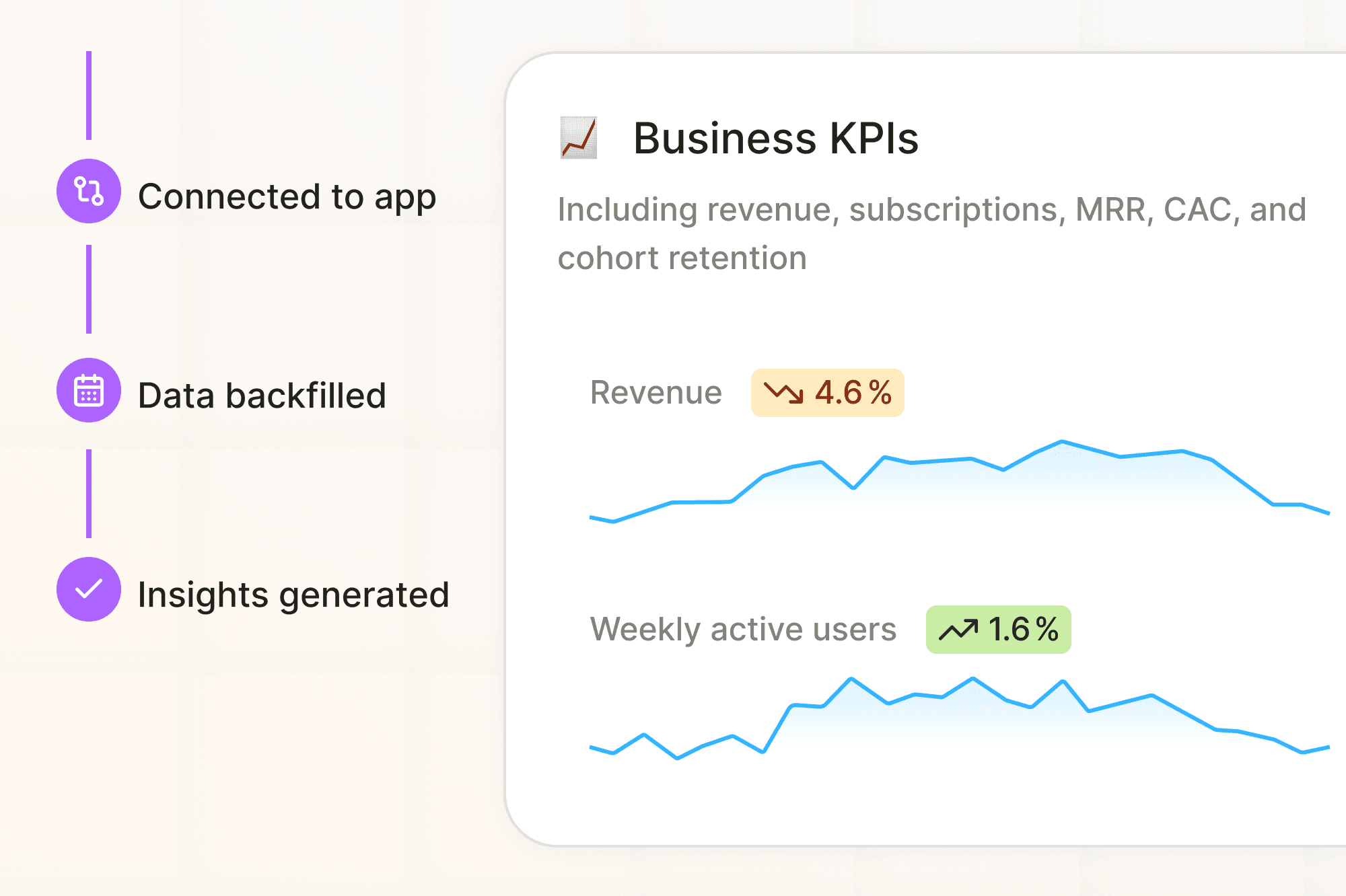
Connect your LinkedIn Company Pages account to Filament and instantly track your most important KPIs. All in plain English dashboards that update automatically.
View documentationKey LinkedIn Company Pages metrics you can track in Filament:

Combine LinkedIn Company Pages with other data sources
Your business runs on more than one app, and your analytics should too. With Filament, LinkedIn Company Pages lives side-by-side with sales, finance, and customer tools. Bring it all together in one intelligent workspace and finally see the full picture.


Your LinkedIn Company Pages data gets even more powerful when combined with other tools:

LinkedIn Company Pages + Google Analytics 4
Connect LinkedIn Company Pages engagement metrics with GA4 session data to see which posts drive website traffic, how social visitors behave compared to other channels, and whether LinkedIn content correlates with conversion events.
LinkedIn Company Pages + HubSpot
Connect LinkedIn Company Pages follower demographics with HubSpot contact records to analyze how social engagement affects pipeline creation, which content themes resonate with high-value prospects, and whether LinkedIn interactions predict deal velocity.
LinkedIn Company Pages + Salesforce
Connect LinkedIn Company Pages post performance with Salesforce opportunity data to track how social presence influences deal stages, which content topics engage target accounts, and whether LinkedIn activity correlates with closed revenue.
Benefits of Filament's LinkedIn Company Pages Integration
Ask in plain English
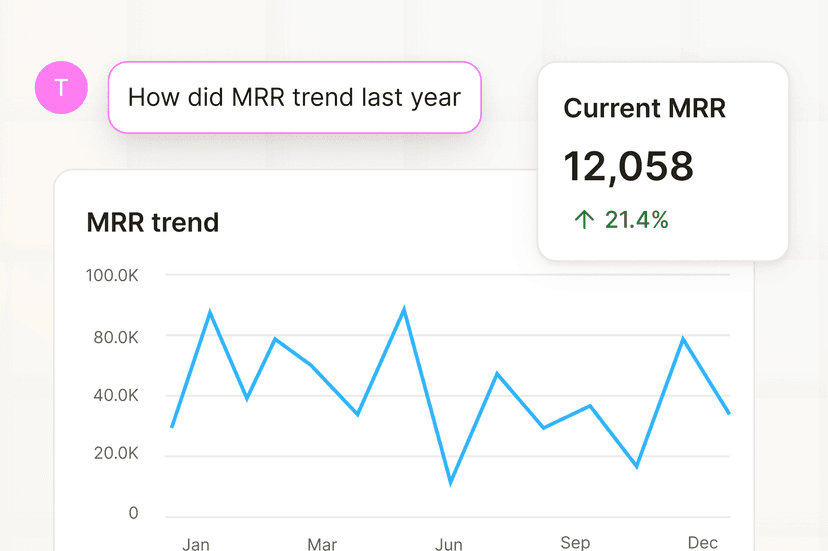
Start with a question like 'How did MRR trend last year?' and you'll get an instant dashboard from across your apps. No configuration, no code.
No setup
Filament is like Looker Studio or PowerBI, but it will set itself up. It understands your data, and automatically connects the dots.
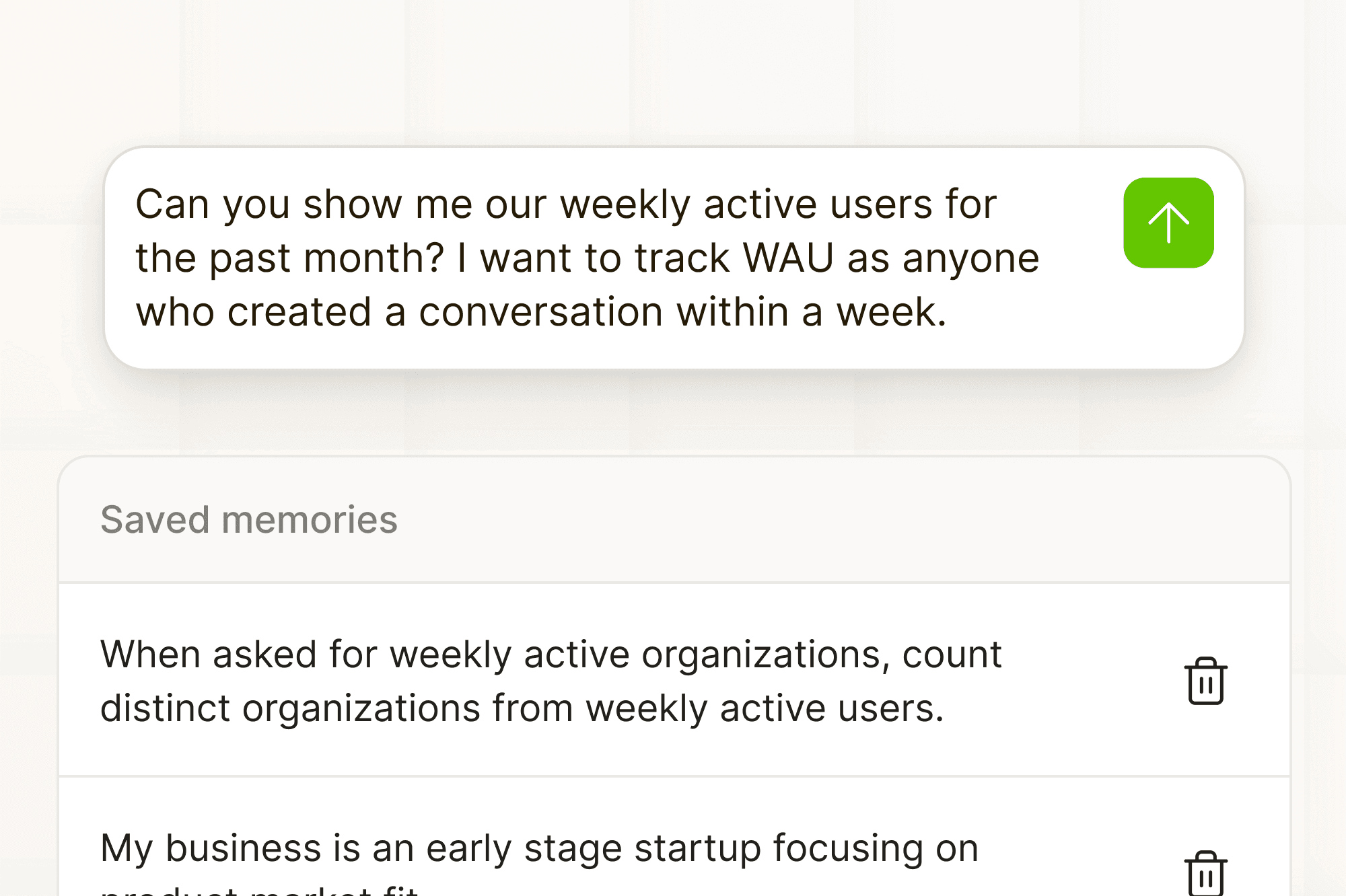
Gets smarter over time
Filament remembers your context and preferences, so you spend less time explaining and answers that align with your goals.
How it works
Step 1: Connect your LinkedIn Company Pages account
Connect your LinkedIn Company Pages account to Filament and get instant access to your data. No technical setup required.
Step 2: Ask questions about your LinkedIn Company Pages data
Start asking questions like "Which campaigns drive the most qualified leads?"
Step 3: Build LinkedIn Company Pages dashboards in minutes
Get tailored insights instantly and share them with your team.

Better business decisions with AI Analytics
How to get more from your data
Most teams only scratch the surface of what's possible with their data. Reports get buried in dashboards, exports pile up in spreadsheets, and critical insights never reach decision-makers. Filament changes that.
With Filament, your data is analyzed by a built-in analyst that understands plain English. Instead of struggling with complex tools or waiting for reports, you can instantly ask questions about revenue, marketing performance, customer engagement, or retention, and get clear answers in seconds.
Because Filament connects data across marketing, product, CRM, and finance systems, it helps you answer the bigger questions that traditional dashboards can't:
- Which campaigns and channels actually drive revenue growth?
- How does user engagement translate into pipeline or sales performance?
- Where are we losing efficiency between acquisition, retention, and finance?
By combining instant reporting, conversational dashboards, and cross-platform integration, Filament helps you move beyond surface-level metrics and uncover the insights that drive smarter, faster decisions.
Enterprise-grade security
Complete data isolation, data encryption at rest and in-transit, and secure, accredited cloud providers keep your organization's data protected. We never use your data for AI training or share it with third parties.
Learn more about securityLinkedIn Company Pages integration FAQ
Everything you need to know about connecting LinkedIn Company Pages with Filament and getting the most out of your data.